

David Callé
11 April 2017
Snap support lands in Fedora 24, 25 and 26
As part as our mission to get snaps running everywhere, we are pleased to announce that support for snaps has now officially landed in Fedora, starting with Fedora 24 and up.
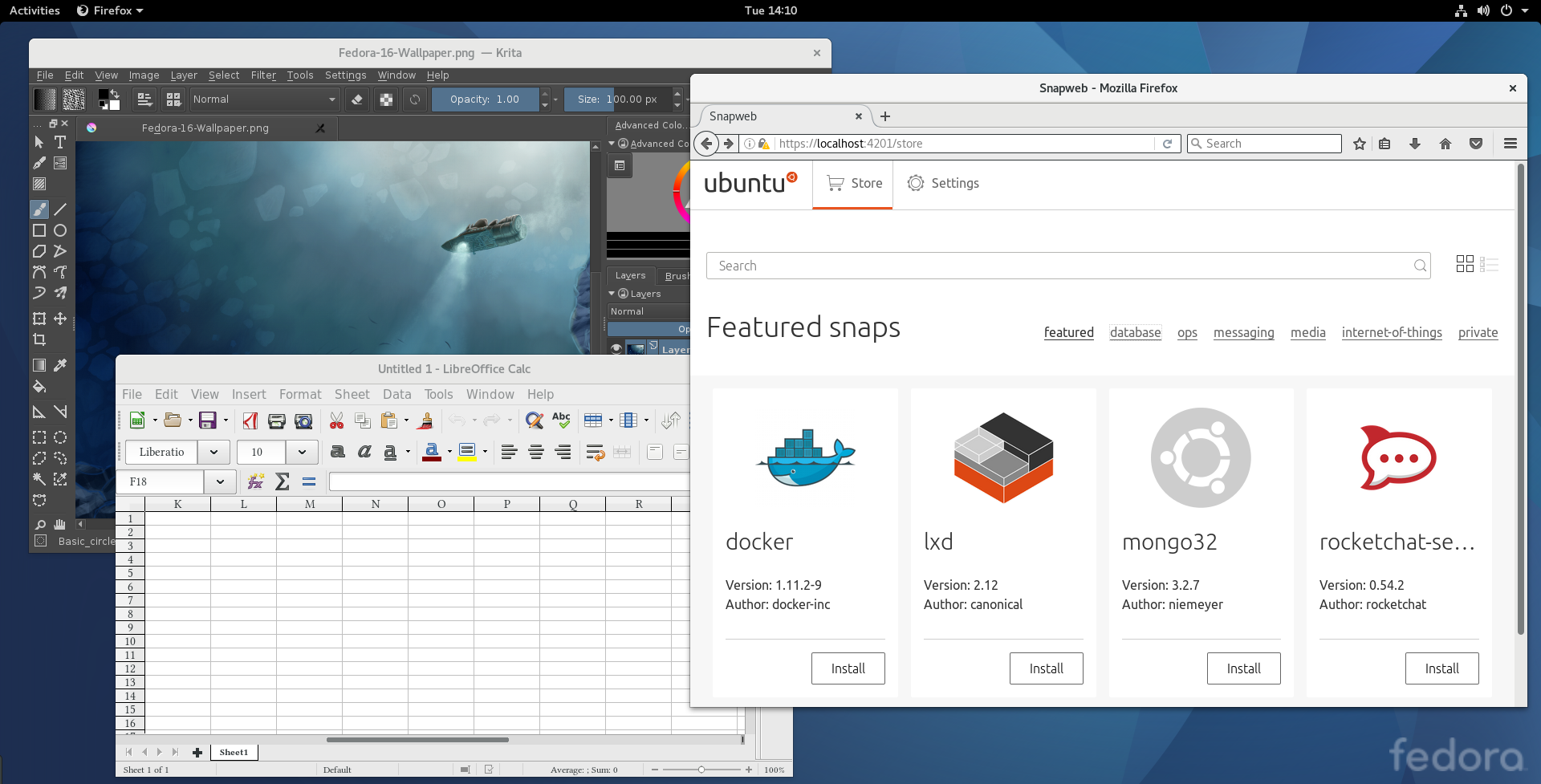
Big thanks to Neal Gompa who has been instrumental in landing snapd packages in the Fedora archive!
Install your first snap on Fedora
1) Install the snapd package
$ sudo dnf install snapd
After that, everything is set up to get you started with snaps.
Note for Fedora 24 users: once the snapd package is successfully installed you have to enable the systemd unit which takes care of snapd’s main communication socket:
$ sudo systemctl enable --now snapd.socket
2) Install a snap!
There are a lot of snaps available to install and you can browse our monthly highlights using this tag, but let’s start with a simple “hello-world”:
$ sudo snap install hello-world
hello-world 6.3 from 'canonical' installed
$ hello-world
Hello World!
When installing a snap for the first time, the “core” snap (which provides base libraries for snaps) is installed as well.
Now, let’s check where hello-world is running from:
$ which hello-world
/var/lib/snapd/snap/bin/hello-world
Success, it’s a snap indeed!
Why use snaps?
Among other things, snaps make packaging, distribution and updates really easy for developers and automated for users. Which means you will get the latest version of your installed apps directly from upstream, on release day, or even daily if upstream has integrated snap publication into their CI process.
As an example, here is LibreOffice running from the snap (5.3.2.2), next to the one available in a fully upgraded Fedora 25 (5.2.6.2).

Get involved
Snaps rely on an AppArmor backend to ensure their confinement from the rest of the system. Since Fedora doesn’t ship with AppArmor, snaps will run unconfined. Nevertheless, the snapd team is welcoming contributions to a SELinux backend! If you are interested in contributing in this area, get in touch on forum.snapcraft.io.
Next steps
To browse all the available stable snaps in the store, you can visit uappexplorer, use the “snap find” command or install the “snapweb” snap and visit https://localhost:4201 for a local store interface.
If you want to snap your software and publish it, you can have a quickstart at tutorials.ubuntu.com and dive-in further with the snapcraft documentation.


